
INSIGHTS
WordPress upgrade, host move or rebuild: which does your website need?
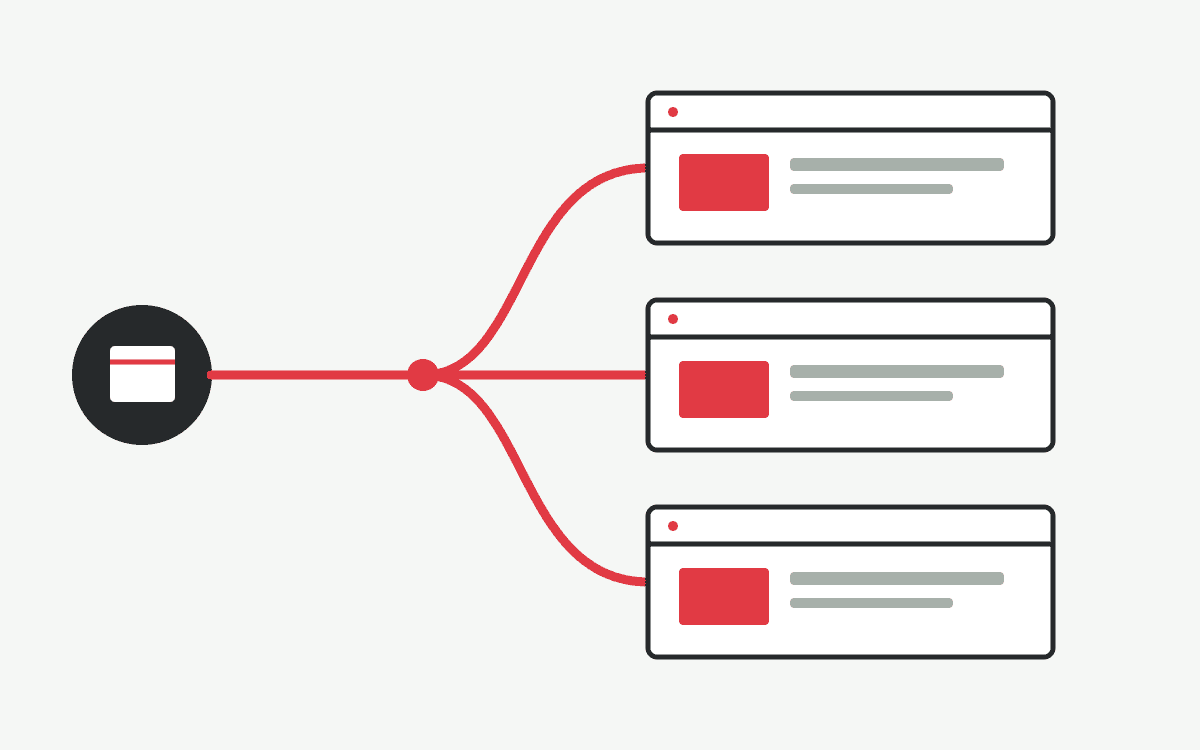
A website that feels dated does not always need rebuilding. The right change depends on what is failing: the software environment, the hosting arrangement, the page structure or the work the site must support. Before choosing a platform, list the pages, content editors, enquiry paths, booking steps and connected systems your team actually uses.
Choose an upgrade when the structure still works
If visitors can find the right information and your team can manage the site, an upgrade may be enough. Check the WordPress installation, theme, plugins and server environment for compatibility. Review the current design on mobile and test any form or booking feature after changes. An upgrade can address maintenance issues without changing every page, but a heavily customised theme or unsupported plugin may expand the scope.
Move hosting when the environment is the main constraint
A host move can suit a sound website whose current server, support or administration no longer meets your needs. Copying files alone is insufficient: the database, media, scheduled tasks, certificates, forms and connected services must work in the new environment. Identify who controls the domain, DNS and email. A website DNS change can affect mail if records are altered unintentionally, so agree responsibilities and verify the live setup after the move.
Rebuild when users or editors need a different experience
Consider a rebuild when the information architecture no longer reflects your services, mobile enquiry is awkward, or booking and integration requirements have changed. Retain useful content and established URLs where practical. A rebuild gives room to improve editing and user journeys, but it needs a page inventory, content decisions, testing and a release plan. WordPress may be suitable for a content-led site; another CMS or a custom application may fit complex workflows better.
Make the decision from evidence
Record the current pages, traffic entry points, forms, bookings and integrations.
Ask staff what content they need to edit and which approvals or permissions matter.
Compare the work required, dependencies and maintenance responsibilities for each option.
Test the chosen approach in staging and agree a backup and rollback path before launch.
If the existing site is custom PHP rather than WordPress, assess its code and data separately before proposing a migration. For the steps that protect existing pages and workflows, read our website migration checklist. You can also request a website assessment to discuss which route fits your site.